From scattered notes to a world that answers back
Keep characters, factions, places and events in one visual workspace, then ask it what's missing, how two people are linked, and who knows what.
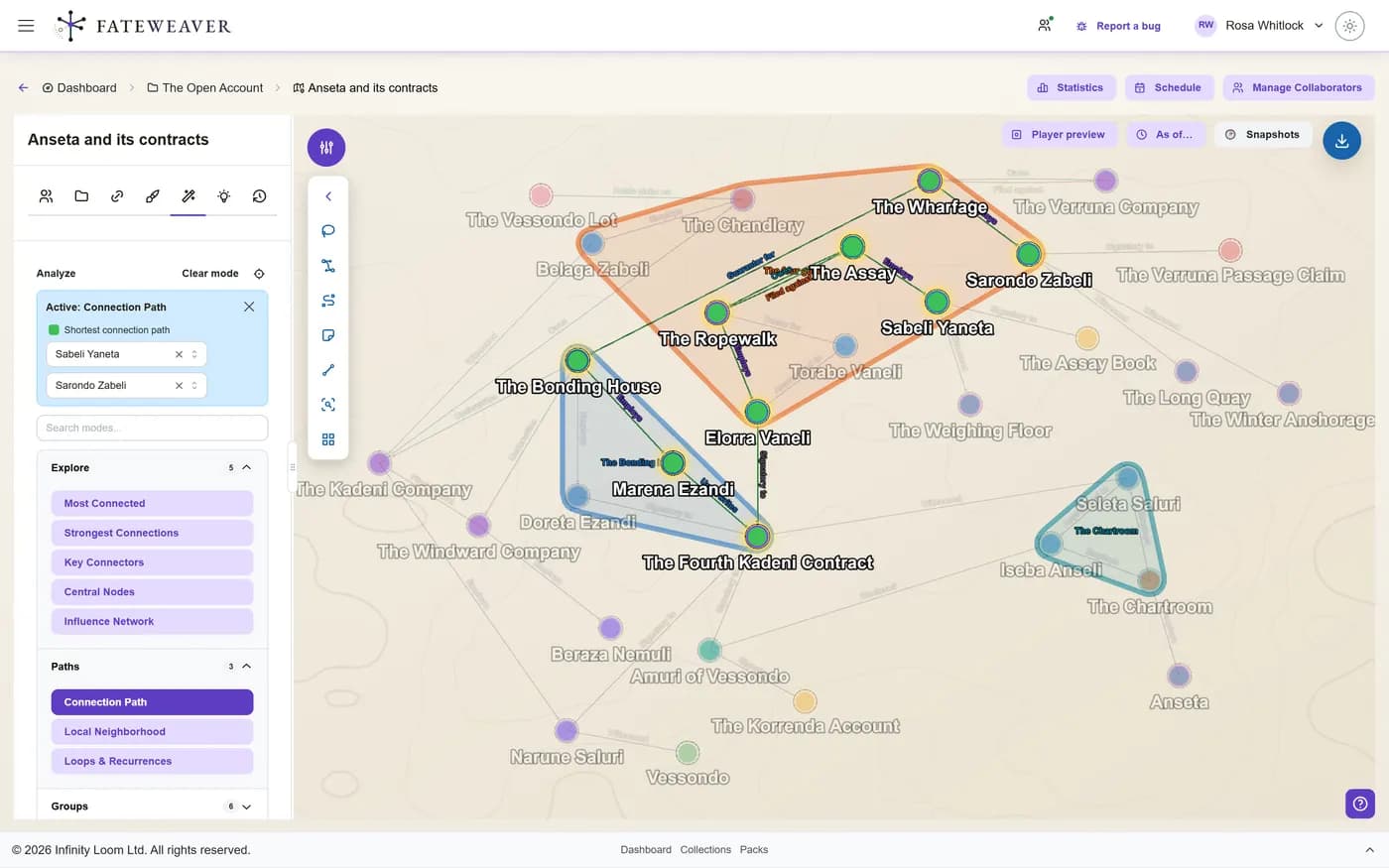
- Find the gaps in your world, and the path between any two people.
- Chart your world's history on a calendar of your own making.
- Your edits are saved as versions automatically, about a minute after you make them, so you can compare, checkpoint, and roll back.
- Keep secrets hidden from your players until you choose to reveal them.
Ask your world
More questions it answers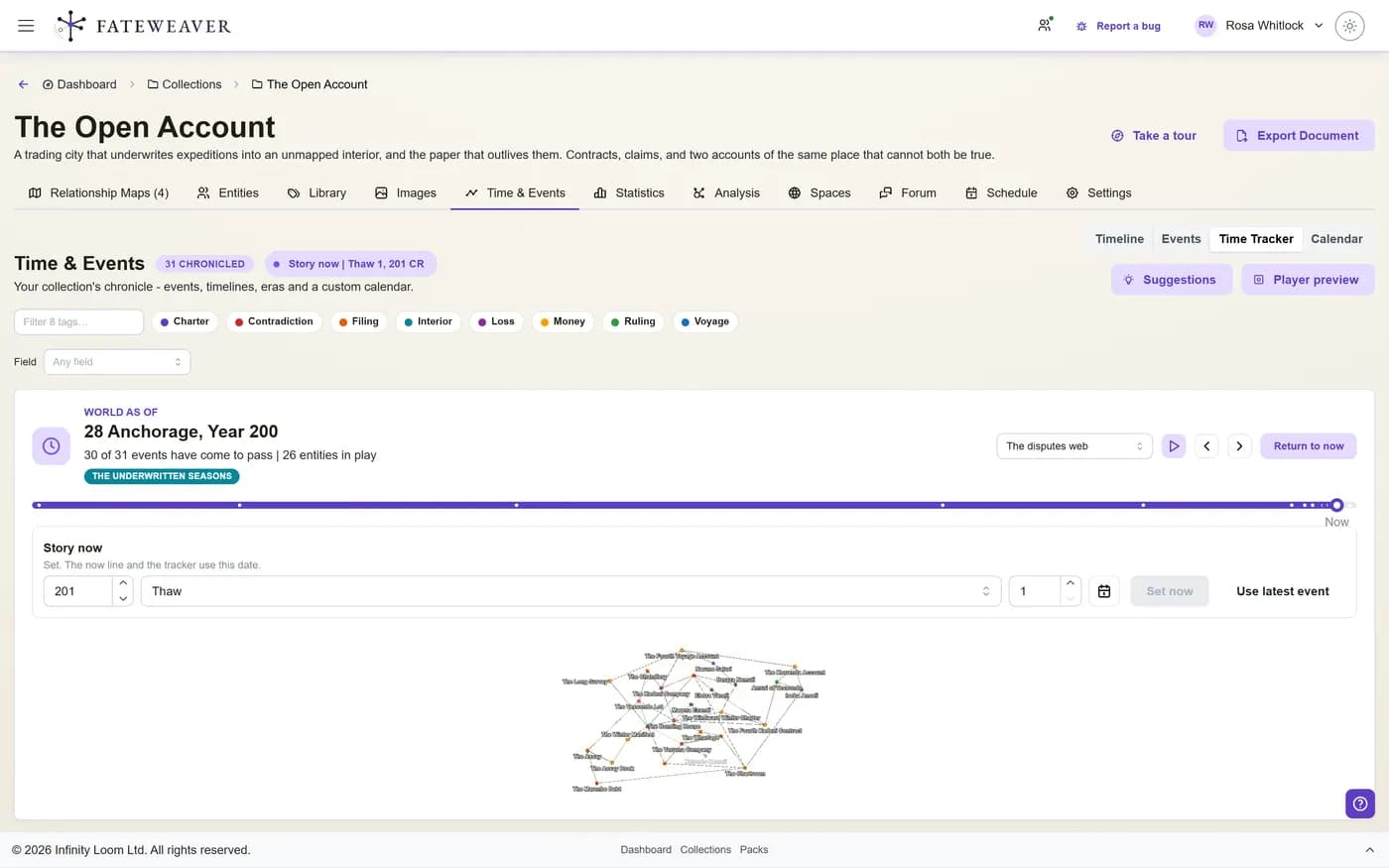
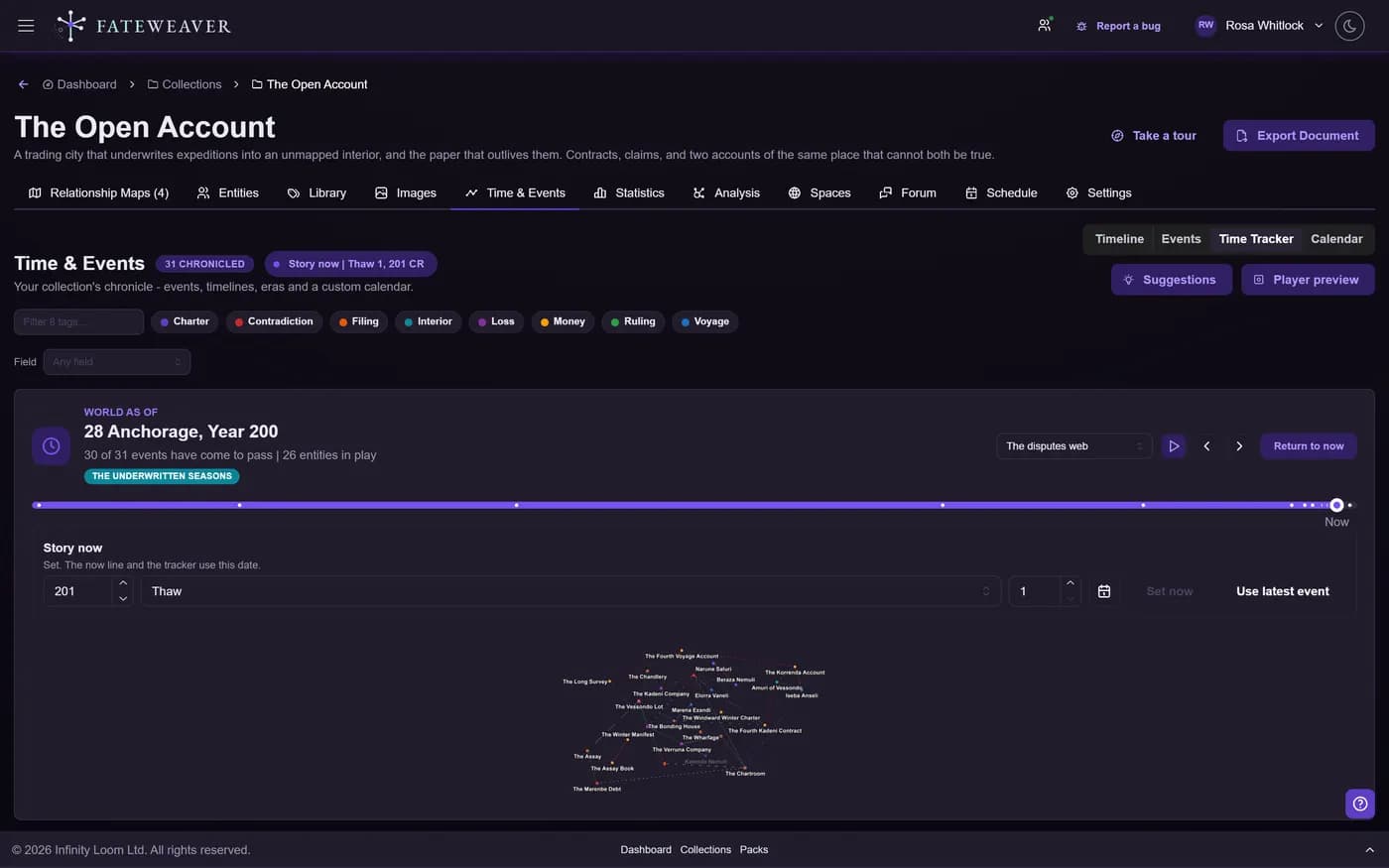
What did the world look like the year the war began?
More on Time & Events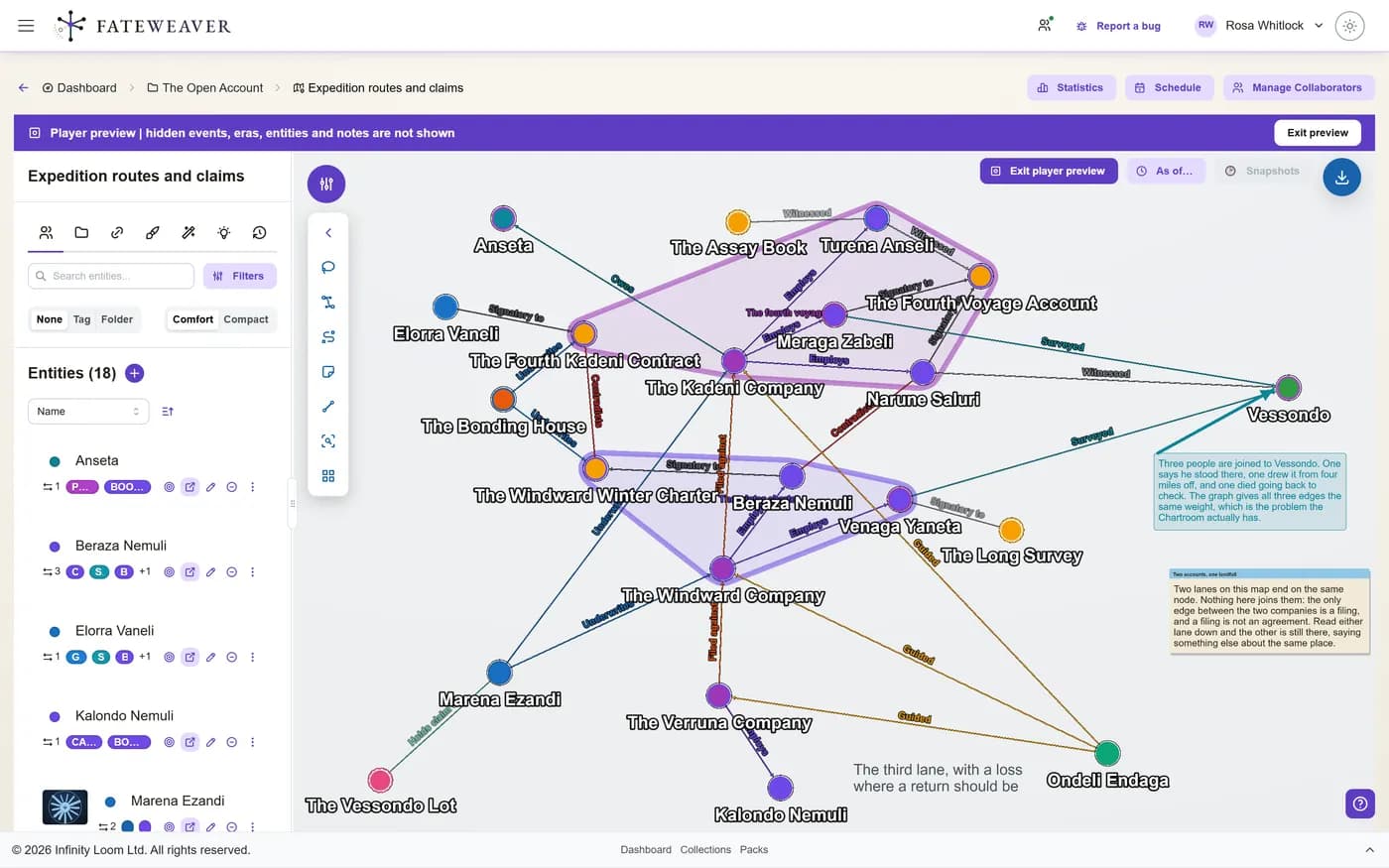
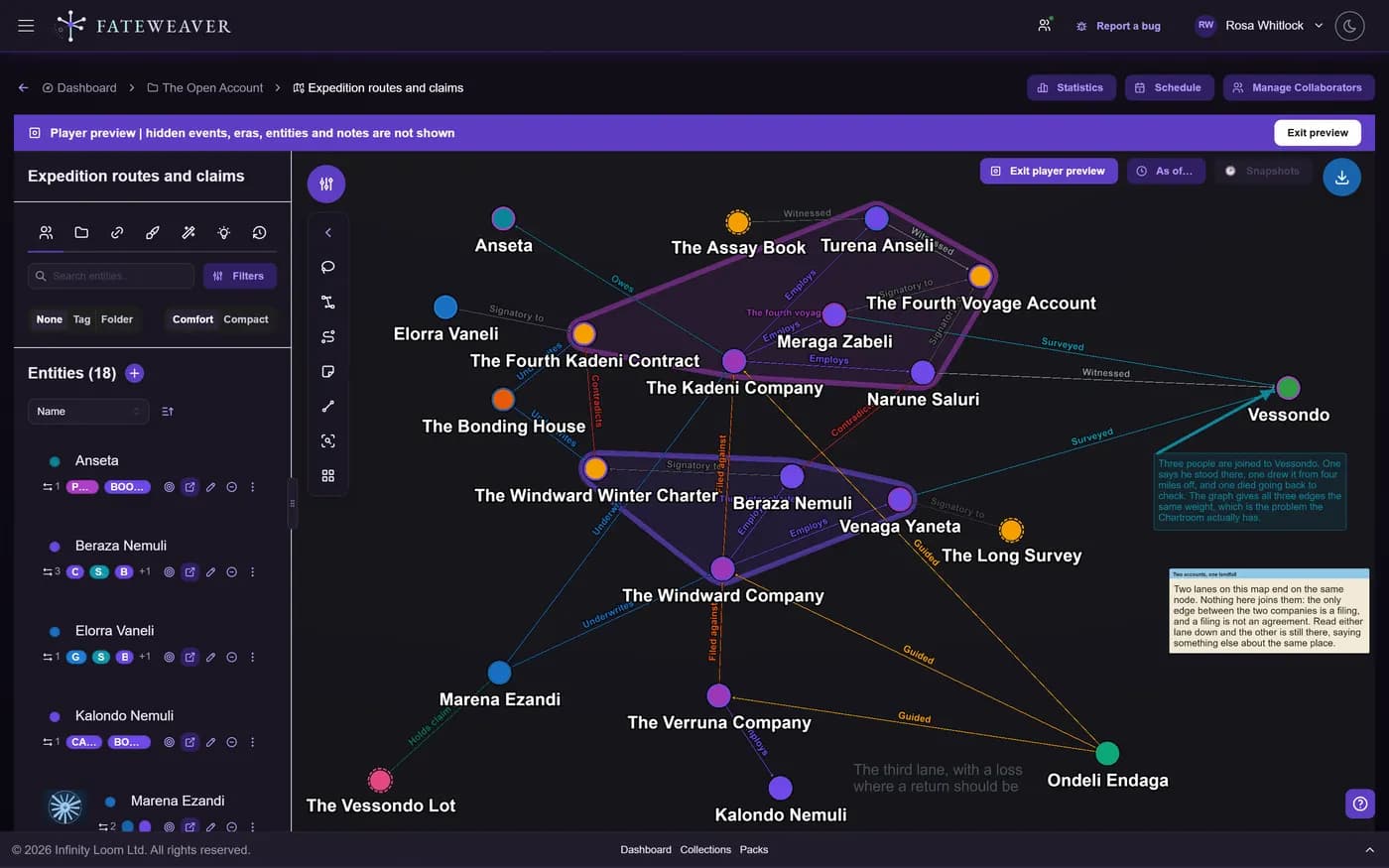
What does each player get to see?
More on Player-Safe Views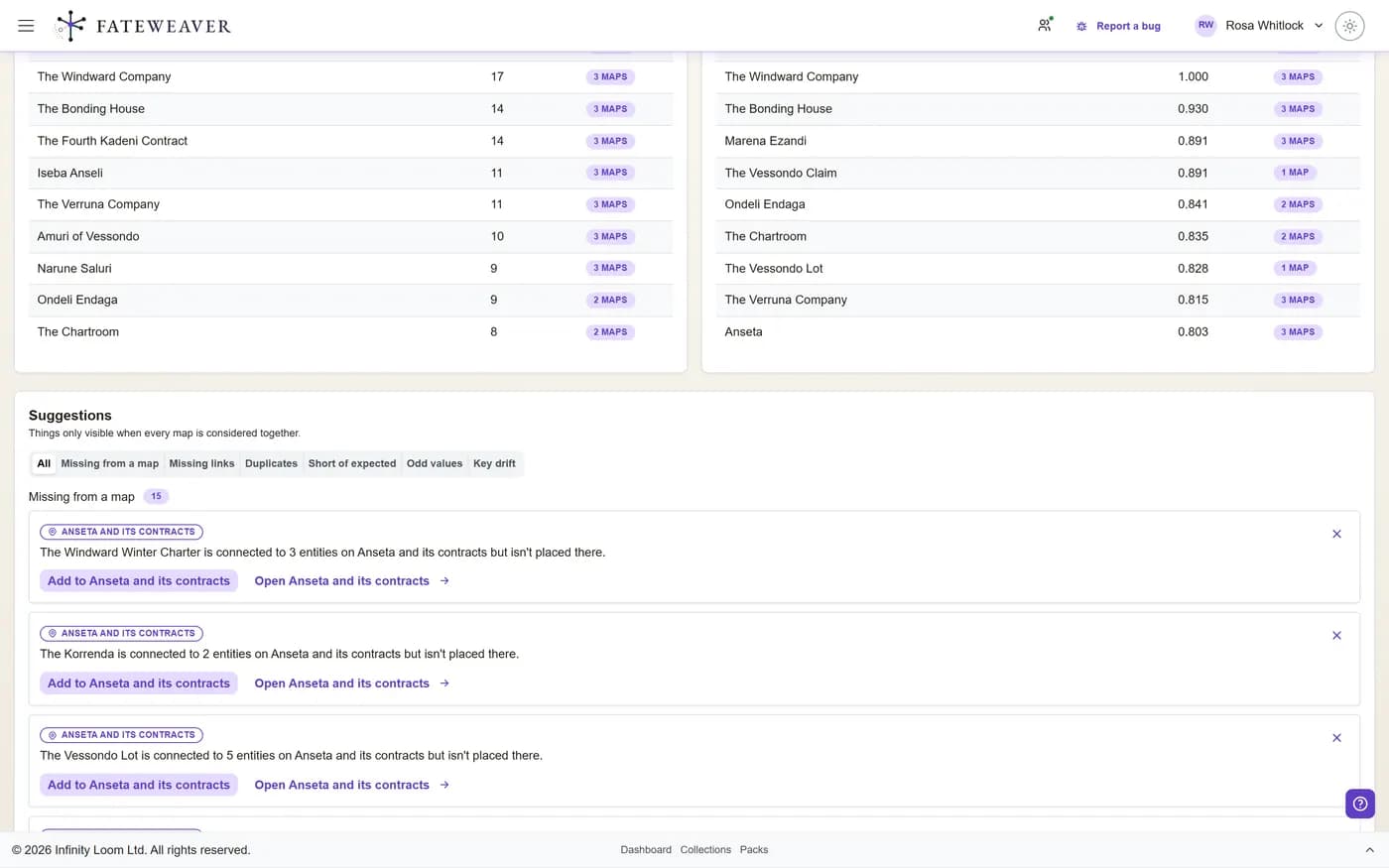
Tools for worlds of any size
Start with a handful of character notes and keep going as your world grows to span several campaigns. Fateweaver is built for storytellers and worldbuilders.
Spot What Is Missing
Say a character has two parents and a faction one leader, and see at a glance which entities fall short of the rule.
More on Expected RelationshipsLet It Find the Gaps
StarterSuggestions read the whole world and point at what doesn't add up, like an effect dated before its cause, or two people who keep meeting but were never linked.
More on SuggestionsFind the Hidden Structure
StarterFind the most connected hubs, detect communities, and trace the shortest path between any two characters or factions.
More on Graph InsightsRewind Any Change
Your edits are saved as versions automatically, about a minute after you make them. Compare what changed, checkpoint before big reveals, and restore an entire map in one step.
More on History & VersioningKeep the Twist Hidden
Mark any entity, relationship, event, or era hidden, keep a secret inside a note, then preview your world the way your players will see it.
More on Player-Safe ViewsReveal on Cue
StarterLet a secret come out on its own once the story reaches a date or an event, and show it only to the roles or players it is meant for.
More on Fog of LoreGet Everyone to the Table
StarterEach player marks the nights they can make, or answers a few dates straight from the e-mail. See the nights the whole table can do, book one, and the invites go out.
More on SchedulingPreviously On
StarterAfter each session, get a recap of what changed in your world, trim it, and share it. Each player sees only what they are allowed to.
More on Session RecapsMap Relationships
Put characters, factions, and places on one visual map, so you can see who is connected to whom.
More on Relationship MapsChart Your Timeline
Lay out your world's history as eras and dated events, then explore it as a timeline, swimlanes, spans, a braid, or a spiral, all on a calendar of your own making.
More on Time & EventsStep Into Your World
StarterDraw your world as a globe or a city plan, nest the places inside each other, and pin every character where they stand.
More on Spatial ViewWork Together
StarterInvite writers, players, and teammates into your world with Viewer or Editor access on a paid plan, and co-edit live with cursors on Pro.
Replay How It Grew
Scrub back through a map's history and watch its entities and relationships appear in the order they were added.
More on Map ReplayBuild Entity Profiles
Give each character, faction, and location a profile with portraits, image galleries, typed attributes, and linked notes that stay connected to the map.
More on Notes & MentionsOrganize at Scale
Keep large worlds tidy with collections, tags, and bulk edits, and find any detail with search and filters. Folders come with a paid plan.
More on CollectionsLabel It Your Way
Nest tags into hierarchies and give them typed fields, so you can filter a crowded world down to what you need.
More on TagsReuse Your System
StarterSave tags, relationship types, and event vocabulary as reusable packs, then manage each collection's vocabulary in its Library.
More on Packs & TemplatesExport to PDF and Word
ProExport any relationship map or collection as a formatted PDF or Word document to hand to players, editors, or readers.
Turn your scattered notes into a world that answers your questions.
How creators use Fateweaver
See how writers, Game Masters, and narrative designers find what their stories are missing and keep track of who knows what.
Creative Writer
Story Planning
Organize character backstories, plan when each revelation lands, and track how your themes develop. It helps most with stories told from several viewpoints, where the storylines cross. See how Notes & Mentions build the map
Fantasy Novelist
Worldbuilding Across a Series
Map character relationships across several books, track bloodlines and family trees, and keep your magic systems consistent. See where the plot threads in your series meet. Explore the Great Houses example
Game Master
Running Long Campaigns
Track the politics between kingdoms, remember which NPCs your players have befriended, and see how the factions connect. When your players back the rebels, you can check who is allied with whom. See how Player-Safe Views keep secrets from your players
Narrative Designer
Game Lore & Consequences
Keep your game's lore bible in one map: which choices anger which faction, which characters know a secret, and which quest lines change the ending. See how one decision ripples through the world before you write the dialogue for it. See how Graph Insights trace the paths through your story
Your world is already a web
The connections you keep in your head can sit on a map where you can see them. Build your first relationship map free and see how your world fits together.
No credit card required • Create your first relationship map free • Export your data anytime